
Last checked: November 26, 2026.
On November 28, 2025, Sysdig’s threat research team watched an attacker take test credentials from a public S3 bucket, run their own code in the victim’s Lambda function eight minutes later, and hold administrator access in under ten. Nothing about the account was exotic. It was an AWS account with a leaked key and nobody looking.
The usual answer is a security operations center (SOC): people who watch alerts around the clock. Keeping one chair filled 24/7 takes 4.2 full-time analysts, about $542,556 a year in wages at the US median. Most startups on AWS will not hire that team, and should not have to.
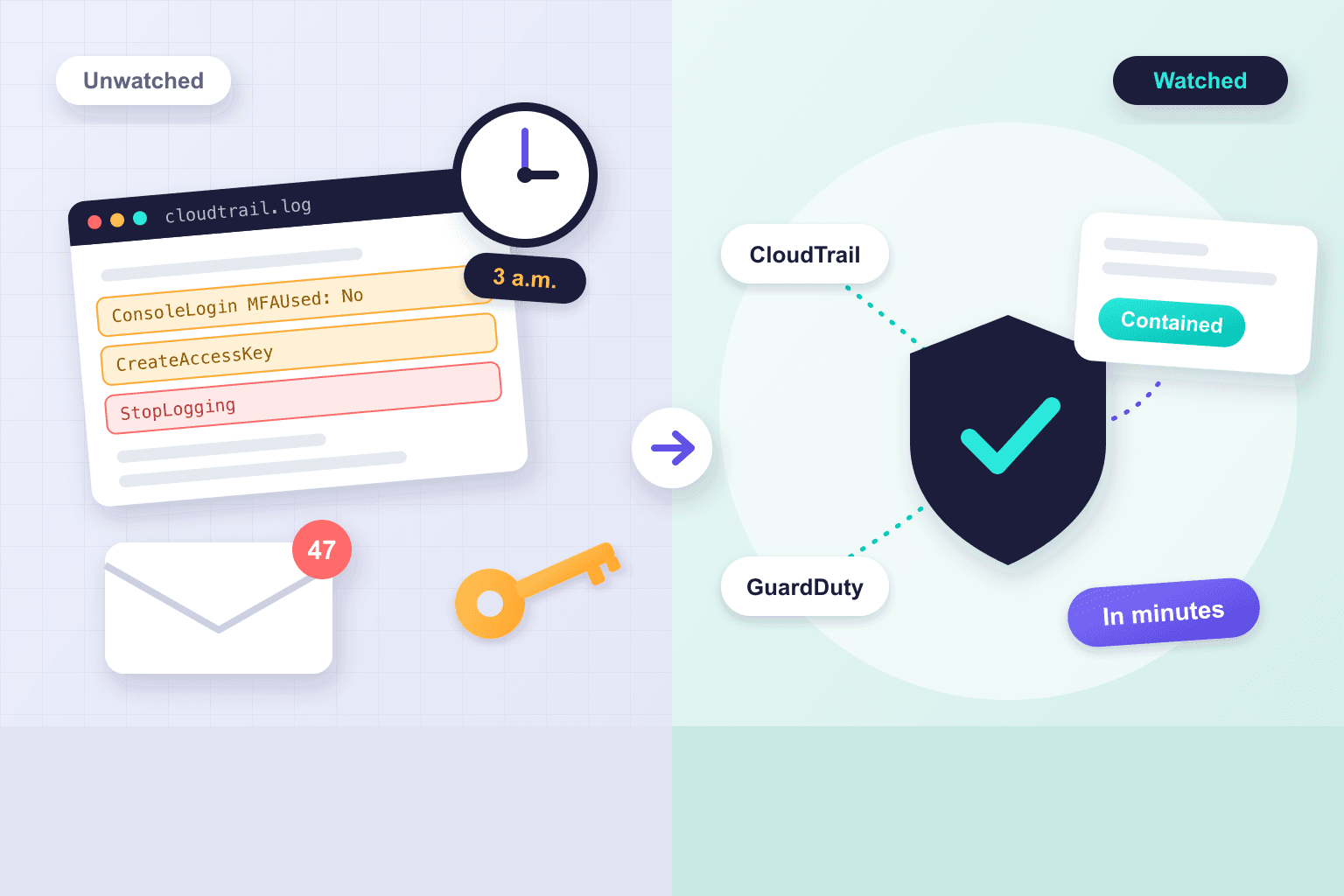
You can monitor AWS security without one. Monitoring is three jobs: record what happens, detect the few events that matter, and respond within minutes. AWS gives you the first two almost free. The third is the one small teams skip, so this guide spends the most time there.

Key takeaways
- Leaked AWS keys are used within minutes. Unit 42 saw attackers use keys within five minutes of exposure on GitHub, and Clutch Security measured 6.6 minutes on average.
- CloudTrail delivers an event about 5 minutes after the API call, on average. Your response window is minutes long.
- One analyst seat staffed 24/7 needs 4.2 people: $542,556 a year in wages at the US median of $129,180.
- The AWS basics cost little: 90 days of event history and one trail copy are free, GuardDuty is free for 30 days and then $4.00 per million CloudTrail events, and external access findings are free.
Attackers work in minutes, and CloudTrail takes five to arrive
Start with the speed, because it decides everything else. In Unit 42’s EleKtra-Leak research, attackers found and used IAM keys within five minutes of the keys appearing in a public GitHub repository. Clutch Security repeated the test in 2024: 6.6 minutes on average, and one minute in the fastest case.
AWS is fast too, and deserves credit for it. When a key lands on public GitHub, AWS attaches a quarantine policy to the user. In a Unit 42 test from December 2025, that took 10 seconds. In the 2023 study, the researchers wrote that the quarantine would have stopped the attack, and they had to remove it to keep watching.
Two limits matter. The quarantine denies a list of actions and leaves the key working: Truffle Security found 929 quarantined keys that still authenticated, and noted that launching an EC2 instance is on the deny list while reading a secret or deleting a database is not. And it only covers leaks AWS can see. In Clutch’s GitLab scenarios, no AWS alert arrived at all.
Then there is your own clock. CloudTrail, the log every other tool reads, delivers within about 5 minutes of an API call on average, and AWS says the time is not guaranteed. So the earliest you can know is around minute five. The Sysdig attacker was running code by minute eight.
Most teams learn much later. DoiT reviewed the AWS cases where attackers used stolen keys to run AI models on someone else’s bill. The median incident cost about $72,000, the largest $522,000, and only two were first caught by the customer’s own monitoring or a DoiT alert.
One 24/7 seat takes 4.2 people
A week has 168 hours. A full-time analyst works 40. Divide and you need 4.2 people to keep one chair filled, before holidays and sick days. The US Bureau of Labor Statistics puts the median information security analyst wage at $129,180 (May 2025). That is $542,556 a year for a single seat, wages only.

The comparison needs a caveat, so here it is: a tool is not a team. Analysts run forensics, talk to customers during a breach, and redesign your access model. Software does none of that. What software can do is the part that needs to happen at 3 a.m. within minutes: read the alert, work out whether it is real, and hold the door until a person arrives. If you are weighing the options, we compare an AI SOC, managed detection and an in-house SOC side by side.
The automation is worth money on its own. IBM’s 2026 Cost of a Data Breach report puts the global average breach at $4.99 million, and found that organizations using AI and automation extensively in security spent $1.93 million less than those using none.
Week one: turn on what AWS already gives you
Before you buy anything, switch on what you already own. AWS publishes a Startup Security Baseline with 17 account controls. The first five steps below cover six of them, and they are the monitoring floor.

- Create one multi-Region CloudTrail trail. The event history you get by default is free and keeps 90 days of management events, one Region at a time, with no alerting. A trail keeps them in S3 for as long as you like, and the first copy of management events is free; you pay for the storage. Turn on log file validation.
- Enable GuardDuty in every Region. It reads CloudTrail management events, VPC flow logs and DNS logs without you enabling those logs, and there are no rules to write. It is free for 30 days per Region, then $4.00 per million CloudTrail management events and $1.00 per GB for the first 500 GB of flow and DNS logs in US East (N. Virginia). Attackers use the Regions you never look at, so enable all of them.
- Create an IAM Access Analyzer in each Region. It lists the buckets, roles and keys that anyone outside your account can reach. External access findings are free.
- Lock the root user. MFA on, no access keys, a shared mailbox as the address, and never for daily work.
- Turn on Cost Anomaly Detection and one AWS Budgets alarm. A stolen key usually shows up on the bill before it shows up anywhere else.
- Add the alert rule in the next section. The rule itself is free: AWS events on the default EventBridge bus cost nothing.

One thing to leave for later: Security Hub CSPM (the service formerly called Security Hub) checks your configuration against standards. It costs $0.0010 per check for the first 100,000 a month and needs AWS Config, which bills separately. It earns its place when you start SOC 2, not in week one.
The 20 CloudTrail events worth an alert
CloudTrail records thousands of event names. These 20 are the ones where a real attacker and a quiet Tuesday look different. Twelve come from the monitoring controls of the CIS AWS Foundations Benchmark, which AWS publishes as ready-made filter patterns; the rest come from the incidents above.
| What it means | Event name | Why it gets an alert |
|---|---|---|
| Someone is covering their tracks | StopLogging |
CloudTrail stops recording. Almost never routine. |
DeleteTrail |
The trail is gone. | |
UpdateTrail |
Logs redirected, or narrowed to one Region. | |
DeleteDetector |
GuardDuty switched off in a Region. | |
StopConfigurationRecorder |
AWS Config stops tracking changes. | |
DeleteFlowLogs |
Network logging removed. | |
| Someone is getting in, or staying in | ConsoleLogin as Root |
The root user can do anything, including close the account. |
ConsoleLogin, MFAUsed: No |
An IAM user signed in on a password alone. | |
CreateUser |
A new identity nobody asked for. | |
CreateAccessKey |
A new long-lived credential. In the Sysdig incident, this was the admin takeover. | |
CreateLoginProfile |
Console access added to a user that had none. | |
AttachUserPolicy |
More permissions. It also fires when AWS quarantines a leaked key. | |
UpdateAssumeRolePolicy |
A role now trusts someone new, often another account. | |
| Something just became public | AuthorizeSecurityGroupIngress |
A port opened, possibly to 0.0.0.0/0. |
PutBucketPolicy |
A bucket’s access rules changed. | |
PutBucketAcl |
The older way to make a bucket public. | |
DeleteBucketPublicAccessBlock |
The safety catch was removed. At account level it is DeleteAccountPublicAccessBlock. |
|
ModifySnapshotAttribute |
A disk snapshot shared with another account, or everyone. | |
| Something is about to be destroyed | ScheduleKeyDeletion |
A KMS key deleted takes its data with it. |
DisableKey |
Same effect, immediately. |
Here is the rule for the two sign-in rows, as an EventBridge event pattern. Point it at an SNS topic with your team’s address on it. The other 18 rows are one more rule: detail-type of AWS API Call via CloudTrail and the event names in detail.eventName.
{
  "source": ["aws.signin"],
  "detail": {
    "eventName": ["ConsoleLogin"],
    "responseElements": { "ConsoleLogin": ["Success"] },
    "$or": [
      { "userIdentity": { "type": ["Root"] } },
      { "userIdentity": { "type": ["IAMUser"] },
        "additionalEventData": { "MFAUsed": ["No"] } }
    ]
  }
}
We tested both patterns against sample events with aws events test-event-pattern. Four traps cost people an afternoon each:
- Put the rules in us-east-1 first. IAM is a global service and its events are recorded in US East (N. Virginia). Root sign-ins land in us-east-1, us-east-2 or us-west-2, so cover all three.
MFAUsedis alwaysNofor single sign-on. AWS only sets it for IAM users and root. Without theIAMUserfilter, every SSO login pages you.- S3 event names differ from the API. The API call
DeletePublicAccessBlockshows up in CloudTrail asDeleteBucketPublicAccessBlockorDeleteAccountPublicAccessBlock. - Read-only calls need a different rule state. A normal rule never sees calls like
GetSecretValue. The rule has to be in theENABLED_WITH_ALL_CLOUDTRAIL_MANAGEMENT_EVENTSstate, and you need a trail that is logging.
If you would rather not maintain rules, AWS has two managed routes. In September 2026 GuardDuty added Custom Detection Rules, which launched with 35 prebuilt, opt-in rules on CloudTrail management events and listed 90 in the console when we looked on November 26, 2026. Every rule starts disabled, and a dry-run mode shows what it would have flagged. And AWS Security Incident Response triages your GuardDuty findings for you, with the first 10,000 findings a month free. It watches AWS accounts only, and it triages findings that other services produce; it does not generate its own.

Where the do-it-yourself setup stops
Everything above is worth doing, and all of it leaves the same gap. The rule fires. An email arrives. It is a block of JSON, it is 3 a.m., and it does not say whether this is your deploy pipeline or a stranger.
- Nobody is awake. A rule can send an alert within minutes. Reading it is a separate job, and on a small team it is nobody’s.
- The alert has no context. Has this user ever signed in from this address? Did the same key just make a bucket public? Answering takes a person twenty minutes in the CloudTrail console.
- Nothing acts. SNS can tell you a key was created. It cannot switch that key off.
- AWS is one system of several. The key that leaked was in GitHub. The admin who got phished was in Google Workspace. None of that is in CloudTrail.
This gap is the actual work of a SOC. Our guide to security monitoring for startups covers what to log per system, and SIEM for startups covers where the logs should go.
How Jutsu watches AWS for you
We built Jutsu for teams in exactly this position. Here is what it does about AWS, and what it does not.
- Connecting takes one CloudFormation stack. You launch it from the Jutsu console. It creates a cross-account role with a unique external ID, and no access key is copied into Jutsu. It uses the trails you already have, and creates a multi-Region trail with log file validation only if you have none. The setup guide walks through it.
- 27 built-in AWS rules. 21 read CloudTrail and cover the table above, narrowed to the risky cases (a security group opened to any address, a trust policy widened to another account, a new user given admin rights), plus sign-in brute force, bursts of denied API calls and bucket deletion. Four turn GuardDuty findings into alerts by severity, and two do the same for failed Security Hub controls. Each rule is mapped to a MITRE ATT&CK technique.
- Every alert is investigated before you see it. Jutsu checks who did it, from where, whether threat intelligence feeds know the address, and what else that user did in the same minutes. Activity that matches a known pattern is closed with the reason shown. When Jutsu cannot tell, it asks you one question.


- Related alerts become one incident. In the Demo Sandbox, six alerts from one user inside a four-minute window were grouped into a single incident with a timeline and next steps.
- Response runs on your approval. Jutsu can deactivate an IAM user’s access keys, revoke their sessions, isolate an EC2 instance, or block an address at the subnet’s network ACL, where the block removes itself after 24 hours. Each action can be reverted. They use a separate role that you switch on; the role that reads your logs has no write access.
- Configuration is checked daily. On paid plans, 37 AWS checks run every day: root MFA, access keys older than 90 days, public buckets, admin ports open to the world, CloudTrail in every Region.


What Jutsu does not do, so you can plan around it:
- It connects one AWS account per stack. There is no organization-wide rollout in one step, and organization trails that write to another account’s bucket are not supported.
- It does not ingest VPC Flow Logs, Inspector or Macie directly. GuardDuty reads the flow logs, and Jutsu reads GuardDuty.
- Reads and deletes of individual S3 objects are only visible if your own trail logs data events, which cost extra.
- It is software. For forensics after a real breach you still want people: an incident response firm, or AWS’s own service above.
The Free plan covers five monitored assets and one integration, which is enough to connect one AWS account and see your own alerts. The Startup plan is $299 a month billed yearly. For the wider picture, see our startup cybersecurity checklist and what an AI SOC is, limits included.
The bottom line
AWS will record nearly everything and detect a good share of it for a few dollars per million events. What it cannot do is read the alert at 3 a.m. So make one decision this week: who, or what, reads the alert in the first ten minutes. That decision is your SOC.
FAQ
Does AWS monitor my account’s security for me?
No. Under the shared responsibility model, AWS secures the infrastructure and you secure what you build on it. CloudTrail event history is on by default, but GuardDuty, Security Hub, AWS Config and Access Analyzer all have to be switched on, and none of them reads an alert for you.
Is CloudTrail enough to monitor AWS security?
CloudTrail is the record, not the monitor. Event history keeps 90 days of management events per Region and cannot alert. You need a trail for long-term storage, a detector such as GuardDuty or your own EventBridge rules, and someone or something that reads the result within minutes.
How much does GuardDuty cost for a small account?
Nothing for the first 30 days in each Region. After that, in US East (N. Virginia), it is $4.00 per million CloudTrail management events and $1.00 per GB for the first 500 GB of VPC flow and DNS logs, as of November 26, 2026. Open the Usage page in the GuardDuty console before the trial ends to see your own estimate.
Do I need a SIEM to monitor AWS?
Not on day one. One account, GuardDuty and a handful of alert rules need no SIEM. You need one when the question becomes what else that user did across AWS, GitHub and Google Workspace, or when an auditor asks you to show that alerts were reviewed. Our SIEM for startups guide covers when that point arrives.
What should I do if an AWS access key leaks?
Deactivate the key yourself; do not rely on AWS’s quarantine, which blocks some actions and leaves the key working. Then search CloudTrail for everything the key did, look for users, access keys and roles it created, rotate any secret it could read, and check every Region for resources you did not launch. Our cybersecurity for startups guide covers the plan to have ready before it happens.