SOC 2 continuous monitoring means two different things
Search for SOC 2 continuous monitoring and you'll find two jobs under one name. The first is control monitoring: a tool checks your settings on a schedule and flags drift, such as MFA turned off or a storage bucket made public. Compliance platforms sell this, and it matters.
The second is security monitoring: collecting the logs your systems produce, raising alerts, deciding which alerts are real, and responding. That is what the system operations criteria, CC7.2 to CC7.4, describe. A settings check can show that logging is turned on. It can't show that anyone read the logs.
A Type 2 report covers a period, commonly 3 to 12 months, so your auditor looks for both kinds of record across the whole window, not just on the day of the audit.
What CC7.2, CC7.3, and CC7.4 ask for
The AICPA's Trust Services Criteria group these under system operations, the CC7 series. In plain words:
- CC7.1: find configuration changes that open new weaknesses, and newly disclosed vulnerabilities that affect you.
- CC7.2: watch your systems for unusual activity that could mean an attack, a natural disaster, or an error, and analyze it to decide whether it is a security event.
- CC7.3: decide whether a security event is an incident that could stop you meeting your objectives, and act to prevent or fix the damage.
- CC7.4: respond to incidents through a defined incident response program: understand, contain, fix, and tell the people who need to know.
- CC7.5: recover from incidents, find the root cause, and stop them happening again.
Where the wording comes from
The list above is our paraphrase. The criteria themselves are in the AICPA's 2017 Trust Services Criteria, with revised points of focus (2022), which SOC 2 reports use today. The evidence auditors ask for, below, follows soc2auditors.org's guide to logging and monitoring controls. Both checked Nov 2026.
In October 2026 the AICPA published an exposure draft of revised criteria that renumbers this series. If it is issued as drafted, it applies to engagements beginning on or after December 31, 2027 (summary on soc2auditors.org, checked Nov 2026). Until then, the CC7 numbers above are the ones your auditor uses.
Do you need a SIEM for SOC 2?
No. The criteria don't name a product. CC7.2 asks for monitoring and analysis, and a central log store with alerting is one design an auditor can accept, judged against your risks.
What you do need is evidence that the monitoring ran. Auditors commonly ask for audit logging turned on in every cloud account and region you use, a list of log sources checked against your systems, retention that reaches back to the start of the period, alert rules and who gets paged, and alert records with triage notes.
A SIEM is one way to get there, if someone reads its alerts. For a startup without a security team, the hard part is rarely collecting logs. It's the review, every day, for the whole audit window. SIEM for startups compares the ways to cover it.
SOC 2 logging requirements, in practice
The criteria don't list log types or a retention period. These habits leave an auditor something to test, and security monitoring for startups lists what to watch in each system:
- Turn on audit logging everywhere you run: AWS CloudTrail, Google Cloud audit logs, the Azure Activity Log, Google Workspace, and GitHub.
- Keep logs for at least the whole audit period. For a 12-month Type 2 window, that means 12 months or more.
- Alert on the events that matter: sign-ins from unusual places, new admins, MFA turned off, public storage, and leaked secrets.
- Record what was decided about each alert, and by whom.
- Check that each log source is still sending. A source that went quiet in month four is a gap in your evidence.
How Jutsu covers both halves
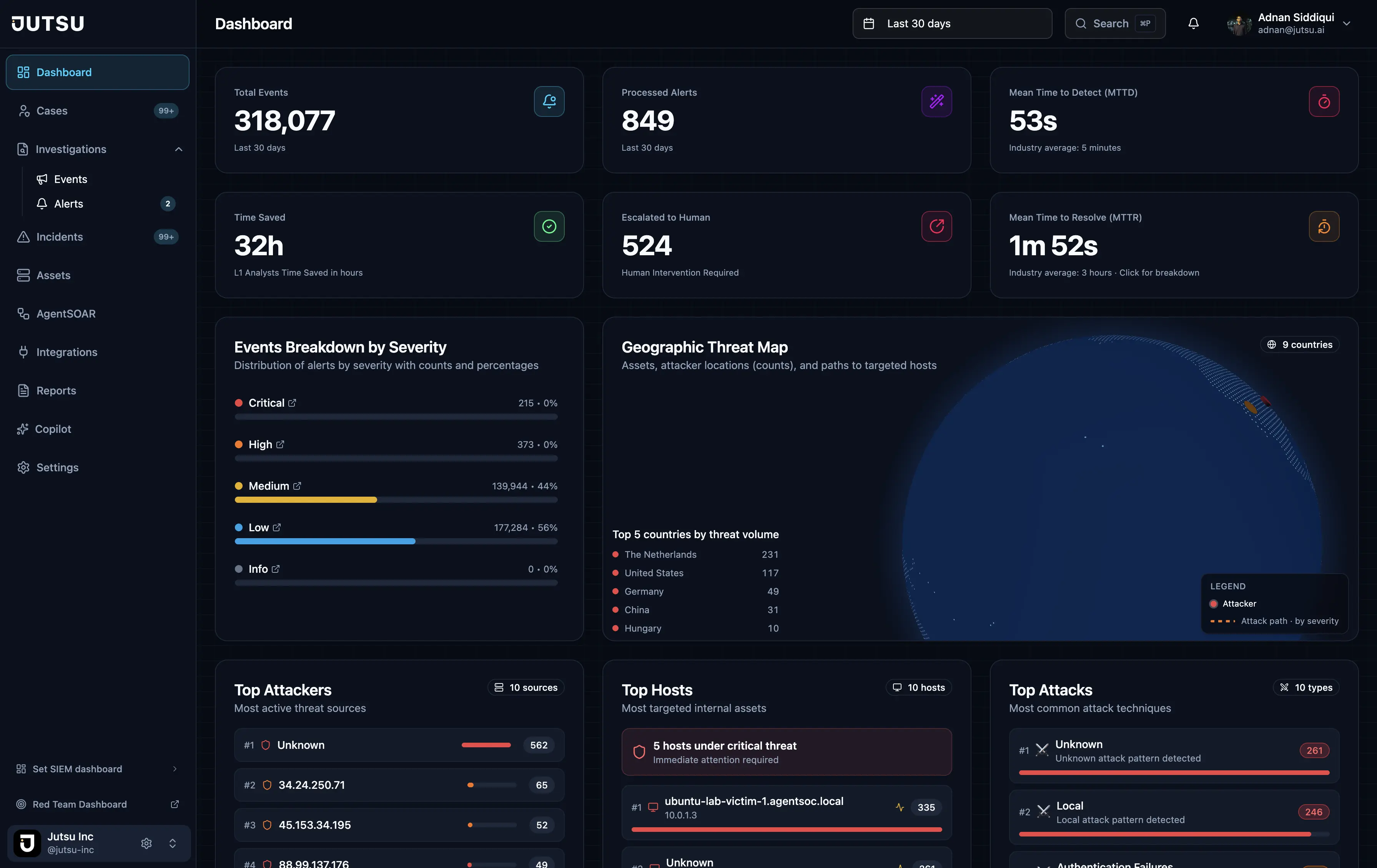
Jutsu runs the control checks and the security monitoring in one product, from the same connections.
- Control checks: Jutsu checks connected AWS, Google Cloud, GitHub, Google Workspace, Cloudflare, Vercel, and Railway accounts, and the hardening of your Windows, Linux, and macOS hosts, every day. Microsoft Azure adds 35 CIS-based checks, and Supabase checks settings such as member MFA, SSL enforcement, and row-level security. Each resource gets a pass, fail, or not-applicable result, and the results feed your recurring evidence tasks.
- Detection: connected sources are watched around the clock by built-in rules, among them AWS rules such as Security group opened to the world and S3 bucket made public, and 19 Azure rules.
- Triage: each alert gets a category, severity, risk score, and verdict. Related alerts become one incident, and alerts the AI isn't sure about go to a person.
- Response: on the Startup plan a person approves each action before it runs, and Growth adds policy-guided automation. Every action is recorded with its status (pending, running, succeeded, failed, or reverted).
- Records: incident reports and SOC activity reports, daily and weekly on the Startup plan. The Startup and Growth plans keep data for 365 days, with 90 days searchable.
- Source health: Pipeline Health shows when each source's events last arrived, and a rule whose source sent nothing in 24 hours is marked Silent.
- Audit access: read-only access for your auditor, limited to the frameworks and dates you choose.
What stays with you
Jutsu is software with AI agents, not a team of people watching your alerts. Someone on your team approves responses, owns the written incident response plan, and runs the review after an incident. Your auditor decides whether the controls operated. Jutsu supports readiness and evidence collection. Your team and your auditor remain responsible for the audit, and Jutsu does not guarantee an audit outcome.