New
-
More Microsoft 365 logs. The Microsoft 365 connection now also collects Exchange Online, SharePoint and OneDrive, Teams and other apps, and sign-ins from the Microsoft 365 audit log, beside the Entra sign-in and directory logs. When you connect, choose which logs to collect. Each log shows whether it is collecting, starting, or needs something first: an Entra ID P1 or P2 license, a permission, or auditing turned on in Microsoft Purview. A log your Microsoft plan does not include is checked again every hour, and the others keep collecting. Microsoft can take up to 12 hours to send the first audit log records.
-
25 new Microsoft 365 detections, including inbox rules that forward or hide mail, mailbox forwarding and mailbox permission grants, files shared outside your organization, malware found in SharePoint, MFA turned off for a user, temporary access passes, domain federation changes, consent and permissions granted to apps, and audit logging turned off.
-
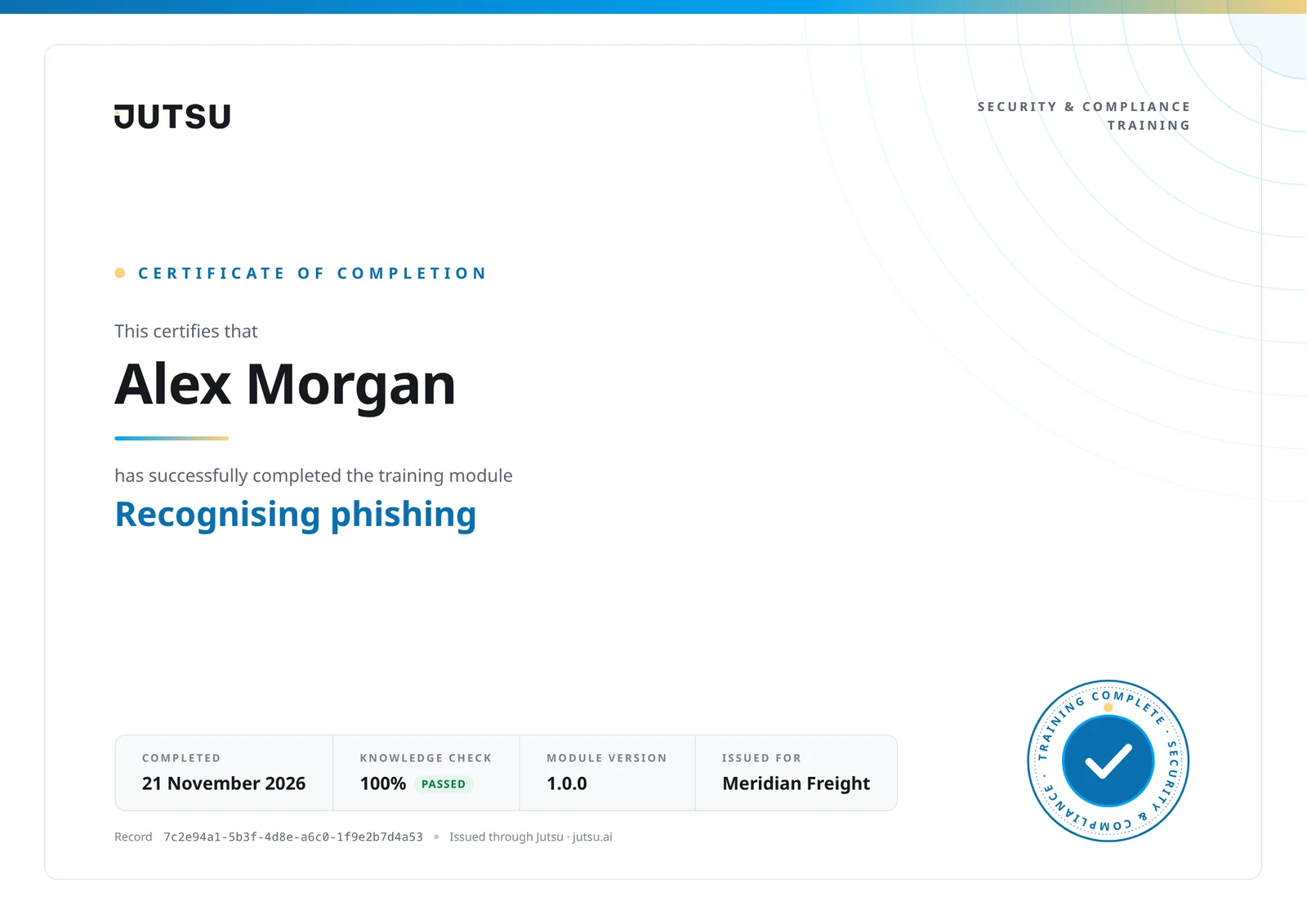
A new training certificate. Certificates for finished portal training have a new design, and show your organization's logo when your workspace has one. Certificates people had already earned were printed again in the new design. No email was sent for them.
Improved
- The console and the portal agree on what is done. Under Compliance, People, a person's training, policies and computer check now count as done by the same rule the employee portal uses, so training someone finished in the portal no longer shows as still owed.
- People and Policies pages keep themselves up to date. The People list, a person's page, the Policies list and a policy's page read again every 30 seconds while you look at them, and at once when you come back to the tab or when the portal in another tab saves something for the same organization. A completion shows up without a reload.
- See who cannot get in to their portal. On the People list, a person with no way into the employee portal is tagged No way in, with the reason, for example that their account was deleted or their invitation ran out. A reminder to them is not sent, and Jutsu tells you why.
- Your own person page says why you cannot complete your items there, when that is the case: for example, your access to the workspace is switched off, or you need to set up your second sign-in step first.
- The portal stays on the organization you opened it for. If you belong to more than one organization and switch in another tab, an open portal page keeps its own organization and says so. Anything you submit after the switch is not saved to the wrong organization. Two of your organizations with the same name are told apart by their workspace ID.
- Sign-up is clearer. Required fields are marked, company size takes digits only, region choices show their flags on Windows too, and a workspace ID that is already taken shows once, in its own field, where you can type a new one.
Fixed
- A portal link opened while signed in to an account outside that organization now says so and offers to sign in with another account, instead of loading without end.
- The Wazuh connect dialog's step header shows the current step's name beside its number, so the seven steps no longer run into each other.
Docs
- New Wazuh setup guide, with a walkthrough video: create the two read-only users, connect them in Jutsu, check each certificate, and optionally set up response actions. Wazuh integration guide