New
-
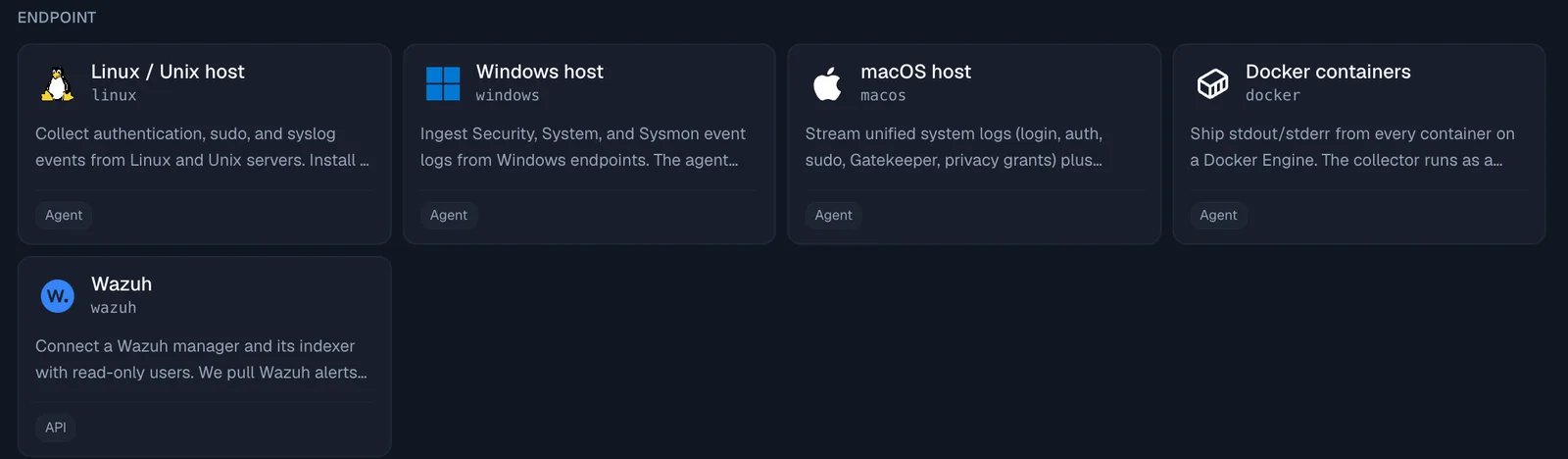
Wazuh. Connect a Wazuh manager and its indexer under Integrations, Data Sources. The connect dialog gives you scripts that create read-only users for Jutsu. Once connected, Jutsu:
- pulls Wazuh alerts into your events and checks them with 16 Wazuh detection rules;
- lists your Wazuh agents as machines, and their local accounts on the connection's People tab;
- shows each host's vulnerabilities and failed configuration checks;
- runs nine compliance checks that feed your compliance tasks;
- can act on a compromised host or account once you add a response credential: block an IP, disable an account, isolate a host, restart the agent, or rescan for vulnerabilities.
Works with Wazuh 4.8 to 4.14. Support for Wazuh 5.0 is a release candidate: on 5.0, blocking an IP, disabling an account and isolating a host are not available yet.
-
AWS S3 deletion alerts. Two new high-severity rules: AWS S3 bucket deleted, and Many AWS S3 objects deleted (100 or more deletes in one bucket within an hour). Their fix steps cover getting objects back from earlier versions and keeping a deleted bucket's name from being taken.
-
A personal portal link for each person. Under Compliance, People, open a person and choose Copy portal link. It suits people who never sign in to the console. Opening the link sends a six-digit code to the person's own email, and the link alone never signs anyone in.
-
Portal reminders. On a person's page, Send reminder emails them what they still have to do. Remind everyone with something to do covers the whole list at once. A weekly reminder goes out on Mondays from 09:00 in your organization's time zone; turn it off under Compliance, Settings, Weekly portal reminders.
-
People you invited who have not joined yet now get policy signing requests, with their personal link.
Improved
- Compliance tasks in the console. The tasks bar counts every open portal item (policies, training, HIPAA and computer checks) and has an Open your portal button. The user menu has a new My compliance tasks item with the same count.
- A To do list on each person's page under Compliance, People. It names every open item and matches what the person sees in their portal.
- Evidence approvals are easier to follow. Each evidence task shows its owner and its approver. A task whose problem has cleared is tagged Ready to send for approval, and the list counts them; click the count to see only those. The task page names the approver under Send for approval.
- AWS CloudTrail rules no longer miss late events. Every CloudTrail rule now reads events by when they reach Jutsu, so an event CloudTrail delivers several minutes late is still checked.
- Jutsu MCP server. A link from another organization now gets a reply with the setup link for that organization's MCP connection.
Fixed
- The portal no longer leaves you stuck once everything is done. Back to the console sits in the header, on the all-done page and on the training's You passed step, and it returns you to the console page you came from. People without console access are told they can close the page.
- Portal errors now say what went wrong. Signed in to the wrong organization offers Sign in again, and other errors show a code and a time you can send to support.
- Evidence that was sent for approval automatically now shows the Approve and Send back buttons.
Docs
- Each section of the docs sidebar now has its own page listing its guides.