
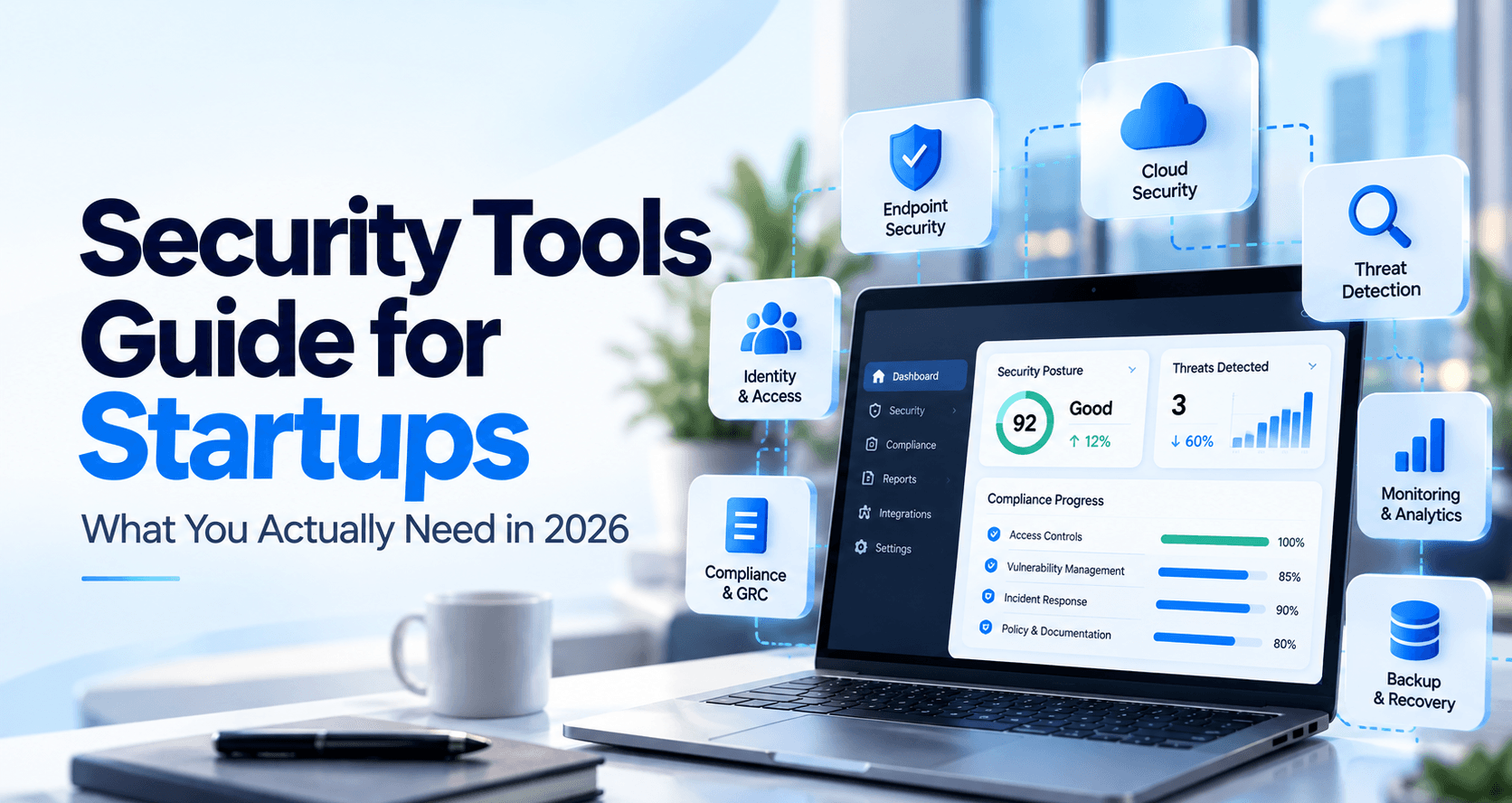
Startups rarely fail to buy a security tool because they have never heard of one. They struggle because every vendor sounds essential, budgets are limited, and no one wants to discover a missing control during a customer security review. The answer is not to buy everything. It is to choose tools around the risks you actually have, assign owners, and measure whether controls work.
This 2026 security tools guide covers the minimum viable security stack for cloud-based teams, when to add more advanced tools, what to test before buying, and which metrics matter after deployment. It is intended for founders and small engineering teams—not a replacement for a tailored risk assessment.
Start with account protection, endpoint hygiene, reliable recovery, application security, and monitoring. Add complexity only when a risk or customer requirement justifies it.
1. Start with risks and systems—not a shopping cart
Inventory where customer data lives: cloud accounts, Google Workspace or Microsoft 365, source-code repositories, endpoints, databases, third-party integrations, and production services. Note who can access each one, which security settings are already enforced, and which alerts are reviewed. CIS Implementation Group 1 is a practical baseline for teams with limited security resources; NIST CSF 2.0 can help organize the work into Govern, Identify, Protect, Detect, Respond, and Recover.
Write a short risk register before the first purchase. Include the threat, affected assets, existing safeguards, potential impact, owner, and next step. If a vendor cannot tell you which risk its product reduces, the purchase is premature.
2. The practical startup security tools stack
This is an example sequence, not a universal mandatory product list. Existing capabilities in your cloud platform or identity provider may already meet a need.
| Priority / Capability | What the tool must do | Measure this | Keep this evidence |
|---|---|---|---|
| First Identity and MFA | Centralized identity, phishing-resistant MFA where practical, joiner/mover/leaver access workflow | Percentage of in-scope accounts enforcing MFA; time to revoke departing access | Sign-in policy export; disabled-account record |
| First Endpoint protection | Managed devices, encryption, update enforcement, endpoint detection when justified | Managed coverage; high-severity detections awaiting triage | Device inventory and posture export |
| First Backups and recovery | Backups for critical systems plus a tested restore process | Successful restore test; recovery time vs objective | Dated restore results and exceptions |
| First Code and dependency security | Secret scanning, dependency alerts, protected branches, code-review process | Time to remediate critical findings; uncovered repositories | Scanning alerts; PR approval history |
| First Cloud configuration | Cloud audit logging, least privilege, exposed-resource detection and guardrails | Critical misconfigurations open past SLA | Cloud configuration exports and remediation tickets |
| As you grow Logging and detection | Centralized alerts across identity, cloud, repositories and endpoints; response ownership | In-scope log-source coverage; time from alert to review | Alerts, verdicts, investigation trail |
| As needed Vulnerability management and testing | Risk-based scanning, remediation and independent penetration testing when required | Finding aging; validated remediation rate | Findings, tickets, retest evidence |
| As needed GRC and evidence workflows | Policy approvals, access reviews, vendor reviews, risk register and dated audit evidence | Overdue control tasks; evidence completion by due date | Policy versions, signoffs, export history |
Availability, pricing, and implementation requirements depend on the provider, plan, and environment.
3. Five questions to ask before buying security software
1. Will it cover the systems we actually run?
2. Can a small team operate it?
3. What happens after a detection?
4. How does it handle sensitive data?
5. Can we prove it works?
For applications, use OWASP ASVS as a reference for verification requirements. For AI-driven monitoring and response products, our AI SOC buyer’s guide includes a detailed vendor evaluation framework.
4. A simple 30-day rollout
The timing above is a planning example, not a guaranteed implementation schedule. If customer information or production infrastructure is already exposed, prioritize containment and remediation over the calendar.
5. Metrics that tell you whether security is improving
A tool being connected is an early indicator. A real control working under test is a stronger operational result. An actual reduction in harm, measured over enough exposure and time, is an outcome—but it is often hard to attribute to one tool alone.
| Early indicator | Operational result | Business outcome |
|---|---|---|
| Coverage of cloud, identity, source code and endpoints | Alerts reviewed within policy, with a documented disposition | Fewer material undetected incidents over comparable exposure |
| Percentage of staff enrolled in MFA | Unauthorized access attempts blocked; stale accounts removed on time | Lower account takeover exposure |
| Percentage of assets in vulnerability scans | Verified fixes within priority deadlines | Lower exploitable attack surface |
| Backups configured for critical systems | Restore tests pass against recovery objectives | Reduced disruption when recovery is needed |
| Number of controls with assigned owners | Scheduled reviews and retained evidence completed on time | Reduced audit preparation churn and fewer control gaps |
Avoid measuring only alert volume: more alerts can mean improved detection or simply more noise. For detection tools, examine missed malicious events, escalation precision, investigation turnaround, and decision quality using labeled and safely simulated cases.
6. Where security tools fit into SOC 2 readiness
For a SOC 2 Type II examination, auditors examine whether relevant controls operated throughout the specified period—not simply whether a dashboard existed at the end. Dated access reviews, incident tickets, monitoring logs, backup tests, and exceptions can support an evidence trail. A compliance platform can organize governance tasks, while security tools produce records from actual operations. Neither a software tool nor a readiness score substitutes for an independent CPA examination.
For practical next steps, read Jutsu’s SOC 2 gap analysis comparison, SOC 2 auditor selection guide, and SOC 2 and ISO 27001 setup walkthrough.
7. Where Jutsu fits—and where it does not
Jutsu focuses on security operations: monitoring supported connected sources, helping investigate and triage alerts, documenting response, and supporting selected audit evidence workflows. Jutsu’s SOC 2 readiness page explains its monitoring, evidence exports and plan differences. Your team still owns policy decisions and control operation, and the auditor independently evaluates the controls. Jutsu is not a licensed SOC 2 audit firm and does not guarantee an audit outcome.
Security work today. Evidence you can use tomorrow.
See how Jutsu connects supported cloud, identity, code and endpoint sources into monitoring, investigation and audit-trail workflows.
Jutsu product capabilities depend on your integrations and plan. The link is a CTA, not an embedded signup form.