Red team on steroids, at SIEM-breaking scale
Fire massive, realistic attack traffic at Wazuh over TCP syslog, sustaining tens of thousands of events per second from one multi-core engine.
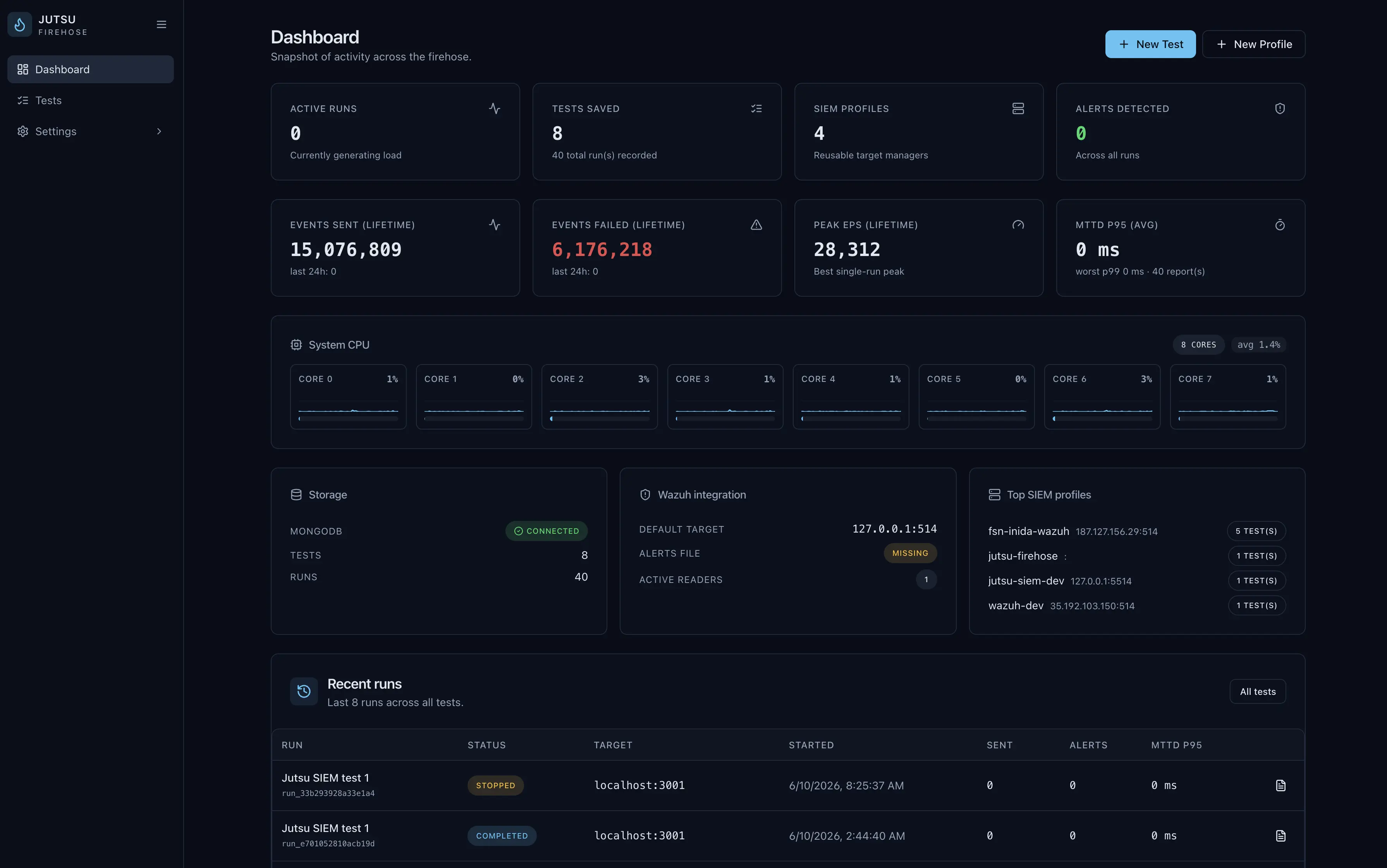
- High-volume loadA multi-core engine that sustains real, high-throughput traffic.
- Realistic attack patternsMITRE-tagged scenarios, attack chains, and a behavior simulator, not toy data.
- Detection validationProve your Wazuh pipeline catches attacks and measure how fast.
- Reusable SIEM profilesDescribe a Wazuh target once and fire test after test.
Up and running in three steps
Define a test
Pick attack scenarios, MITRE techniques, and a saved Wazuh profile to fire at.
Fire across all your cores
A multi-process worker engine fans load across CPU cores for sustained throughput.
Measure detection under load
Track events sent, alerts caught, and MTTD percentiles under real pressure.
Everything in Firehose
Multi-core load engine
Per-core worker processes push sustained, high-volume traffic from one host.
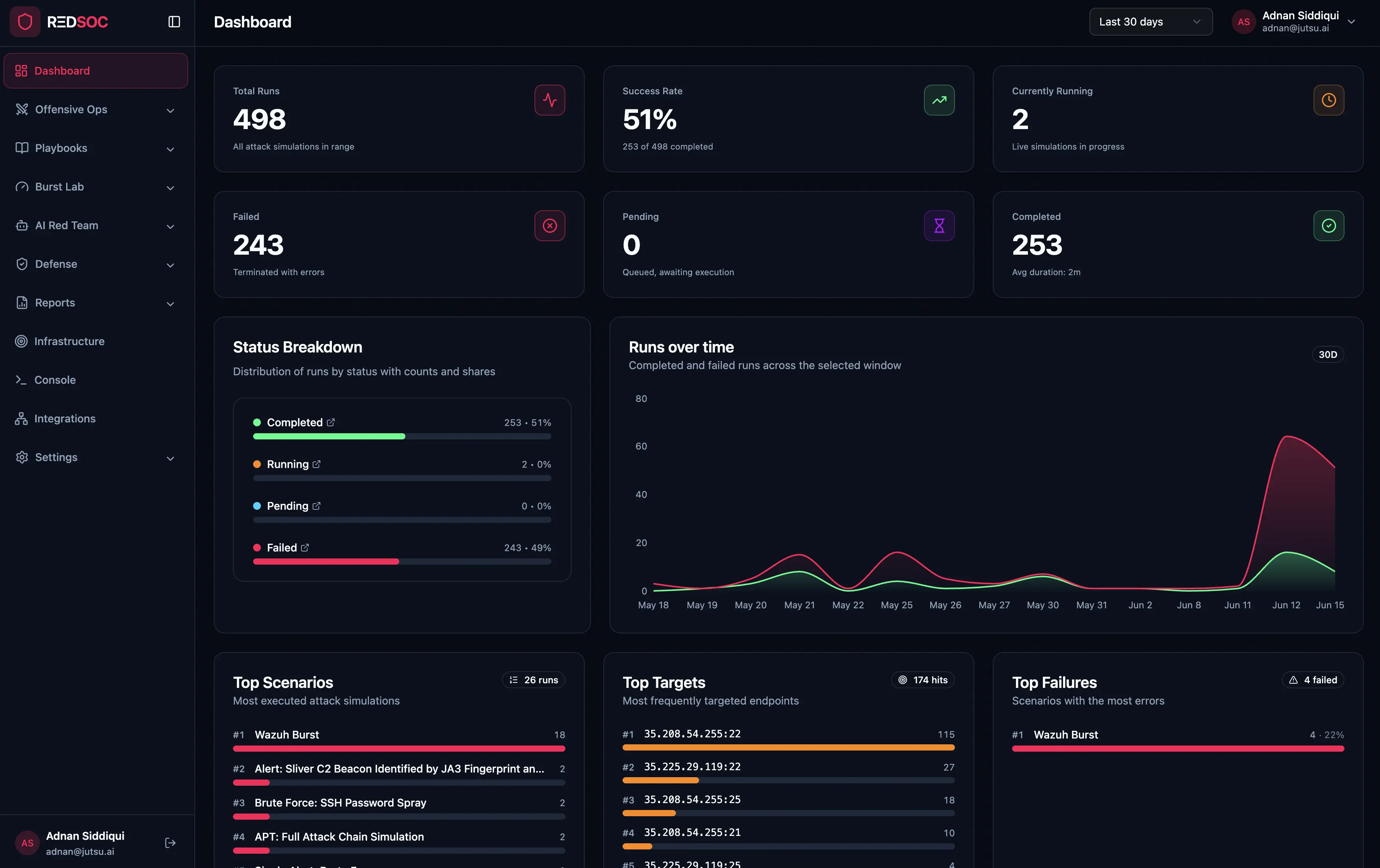
Realistic attack scenarios
Weighted scenario mixes, multi-stage attack chains, and a Markov-style behavior simulator.
Reusable Wazuh profiles
Saved Wazuh targets, syslog host, alerts source, and tuning, ready to fire.
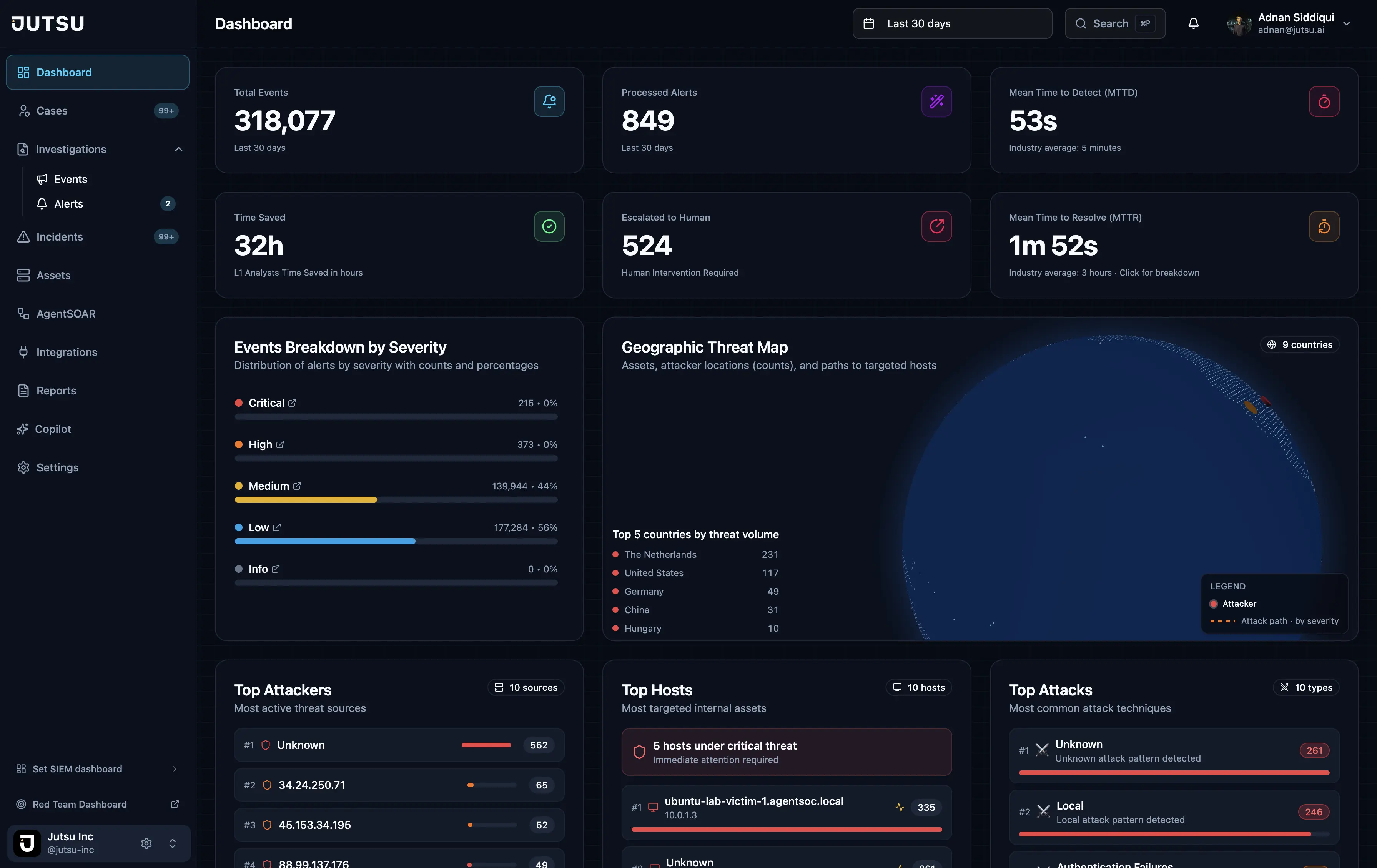
Detection validation
Confirm your Wazuh pipeline catches attacks and surfaces the right rules under pressure.
Live system metrics
Per-core CPU, throughput, backpressure, and failure tracking in real time.
MTTD percentile reporting
Mean time to detect at p50, p95, and p99, not just the average.

Common questions about Firehose
How much traffic can it generate?
Tens of thousands of events per second, sustained from a single multi-core engine that fans load across your CPU cores.
Is the attack traffic realistic?
Yes. Firehose replays MITRE-tagged attack scenarios and multi-stage chains at volume, not toy data, so your detections face real pressure.
Which SIEMs does it work with?
It's purpose-built for Wazuh — save a reusable Wazuh profile (syslog host, alerts source, and tuning) and fire test after test.
What do I get back?
Live per-core metrics, events sent vs. alerts caught, and MTTD percentiles (p50 / p95 / p99) — so you know detection latency at the tail, not just the average.
What do I need on the Wazuh side?
A TCP syslog listener plus the bundled decoder and rules on your Wazuh Manager; Firehose then reads detections back via alerts.json or the Wazuh Indexer.
Stress-test your detections at scale
See how Firehose pushes your Wazuh pipeline to its limits.
Subscribe to our newsletter
Get the latest security tips, product updates, and news delivered to your inbox.